Residential Real Estate Documentation
We appreciate you selecting Residential Real Estate! The goal of this tutorial is to take you step-by-step through the complete theme for WordPress setup and customization process. It addresses a number of topics to make getting started simple. Kindly check out our Contact Area for help whether you're facing any inquiries that aren't covered in this article. Thank you for your support!
Description
The Residential Real Estate WordPress Theme is a modern, professional, and feature-packed real estate WordPress theme for homes designed for agents, brokers, developers, and property firms. Built specifically for the real estate industry, it provides a seamless and visually stunning experience with advanced home listing WordPress theme features, smooth navigation, and engaging layouts. Perfect for residential property WordPress themes, luxury residential property websites, and apartment rental website designs, this theme offers a flexible and elegant structure to showcase property images, videos, virtual tours, and detailed information. It’s an ideal WordPress theme for residential property firms and real estate agencies that want to highlight listings professionally and attract high-quality leads. Integrated with IDX MLS Real Estate Theme support and CRM compatibility, it enables real-time property updates, client tracking, and lead management for a complete business solution. Whether you’re marketing luxury villas, affordable apartments, or modern housing projects, this residential real estate WordPress theme helps you build credibility and boost conversions. Optimized for performance and SEO, this full-site editing (FSE) real estate WordPress theme allows complete control over customization while maintaining fast load times and high Google rankings. It also includes Property Showcase Design Templates, interactive maps, 3D tours, and responsive galleries to captivate potential buyers. Whether you’re developing a real estate WordPress theme for homes, managing an investment property website, or running a property management firm, this theme supports all real estate niches with style and functionality. Translation-ready, responsive, and secure, the Residential Real Estate WordPress Theme offers the perfect platform to present listings, manage leads, and grow your real estate business online with confidence.Establishment of this a theme
a. via the WordPress Administration
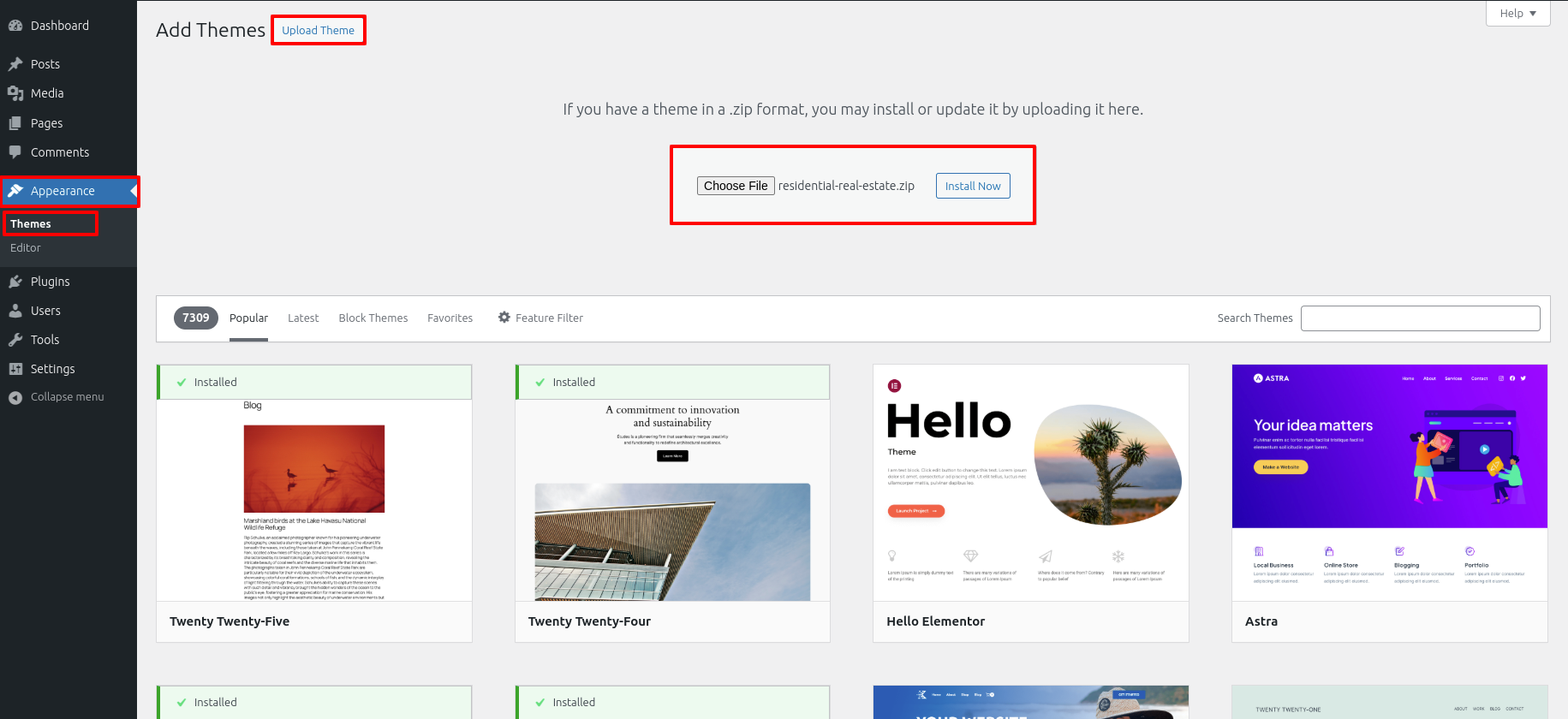
- Along Your a dashboard on the WordPress platform, pick Appearance > Themes, or finally hit the Add New box.
- Choose a Upload Theme alternate.
- Find the theme file that has been unzipped on your desktop or laptop by pressing the Browse option.
- Locate the residential-real-estate.zip file, pick it, then press OK.
- Whenever the installation is complete, tap the Install Now box.
- After installation, add the theme to your WordPress website by clicking the Activate link.
Featuring an FTP client for installation process
While you have FTP authorization for accessing your website's hosting server as well as a client that supports FTP installed, such FileZilla, you can use this method to upload your theme..
- Unpack that residential-real-estate.zip files or unzip its entire contents.
- Open your FTP client and connect to your server.
- Decide into the /wp-content/themes/ directory.
- The unzipped themes files should be uploaded towards /wp-content/themes/ .
- Decide into Appearance > Themes immediately following enrolling into the WordPress admin area, then enable the theme.
Once the theme is uploaded to the server, you can activate it from the WordPress dashboard. To do this, Decide into Appearance > Themes in the admin panel. You ought to view the main theme. listed as Residential Real Estate. Simply click the chosen theme and the "Activate" tab will be applied successfully.
Main Site Setup
Set up the Main Site by following these steps:
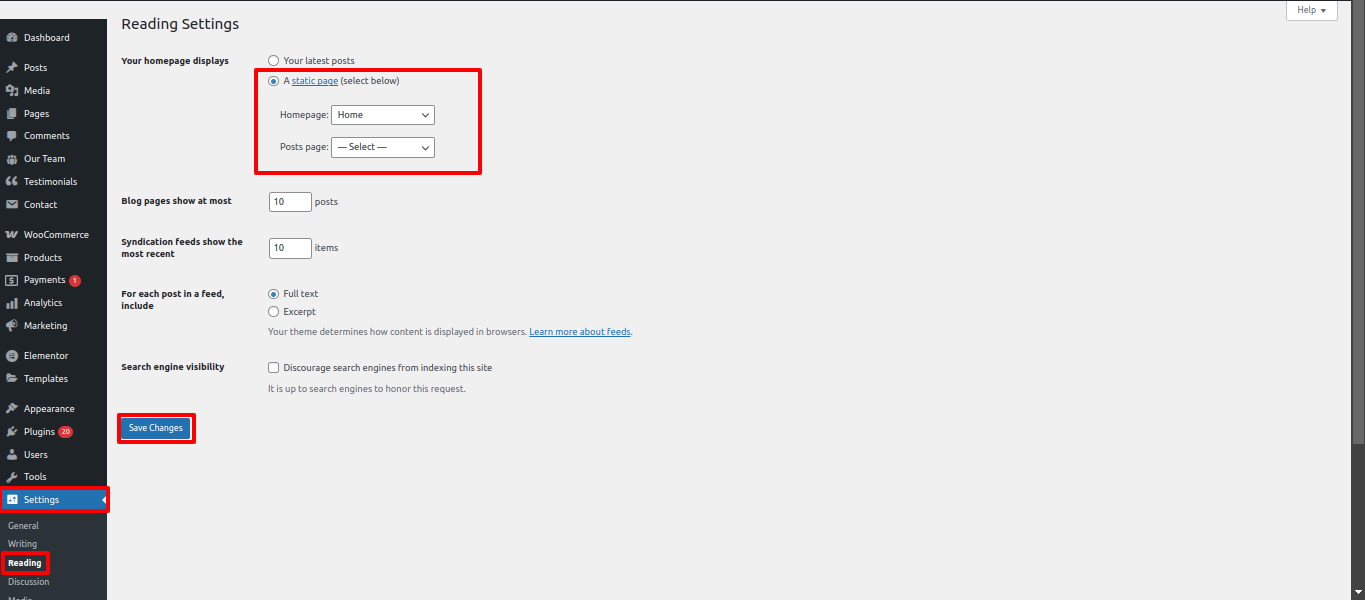
- Decide into Settings > Reading in Your a dashboard on the WordPress platform.
- Under "Your Main Site displays," select Static Page.
- Choose Home as your Main Site.
The site header
The top section consists of comprise three essential components. Website headers, crucial for navigation and branding, usually comprise three essential components.. These components help users understand the site and access important areas.:
- The top section area may contain a top bar.
- The site also contains the Site Name and Logo.
- The site contains a Main Menu.

Top Bar
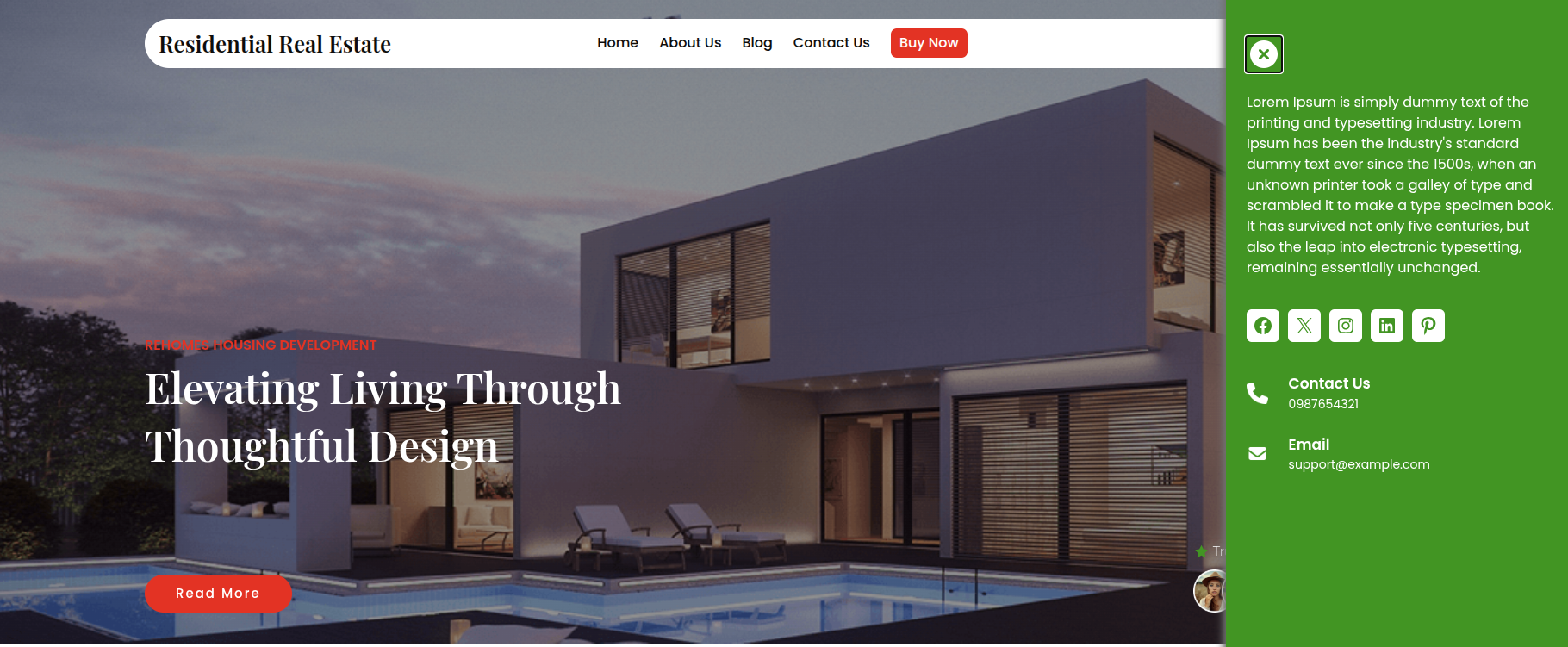
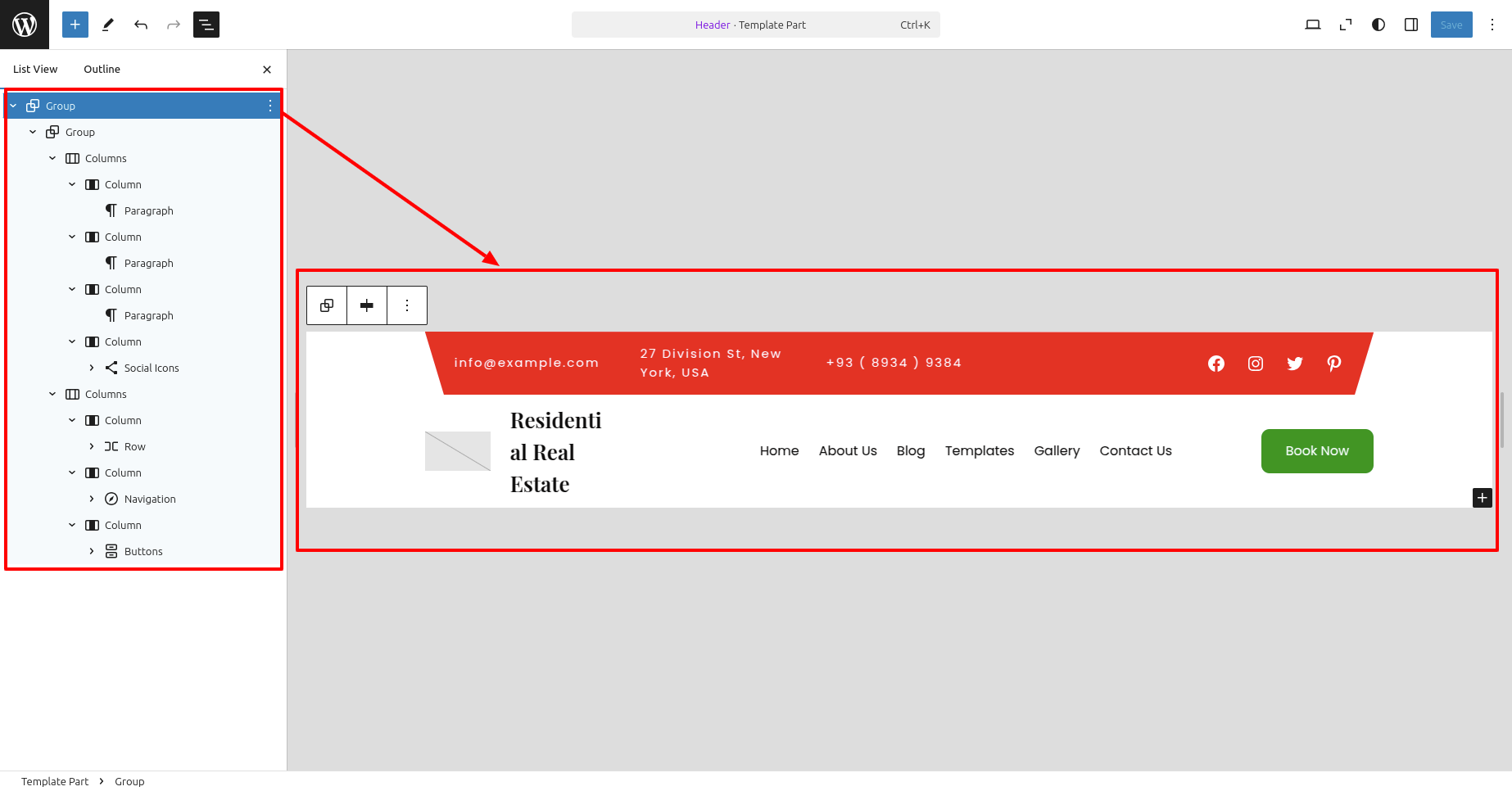
To Edit the top bar of The top section, adhere to the instructions:
- Go to Your a dashboard on the WordPress platform and Decide into Appearance > Editor > Patterns > Header > Click on Header .
- Add your address, email, social media sites, and contact number.
- Click Save to save the changes.
Modifying the Website's Name or Logo
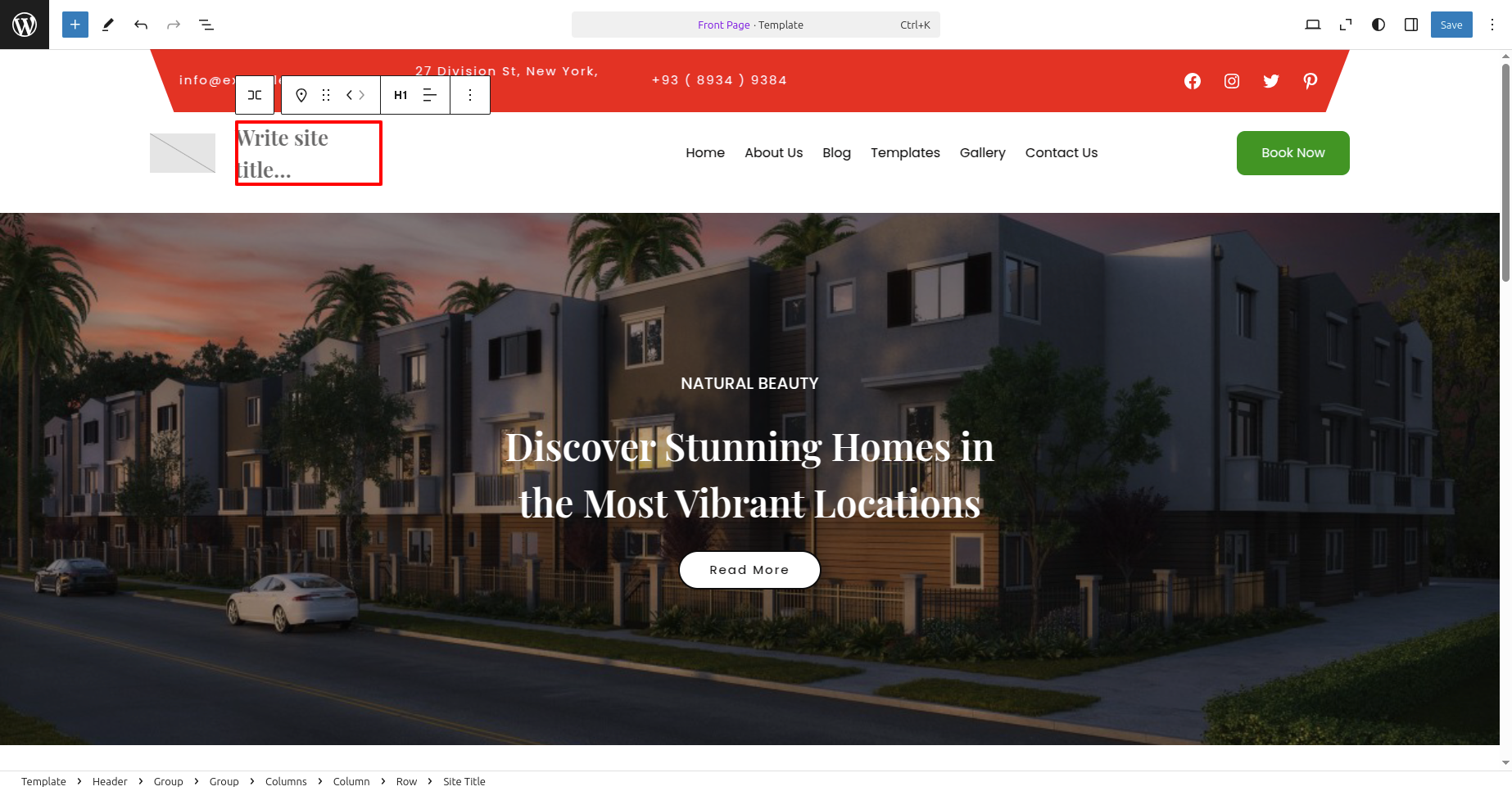
To update The tag line, the logo, and site title adhere to the instructions:
- Go to Your a dashboard on the WordPress platform and Decide into Appearance > Front > Edit Site.
- Write Site Title regarding your website.
- Click Save to Publish your modifications..
c. Managing Menus
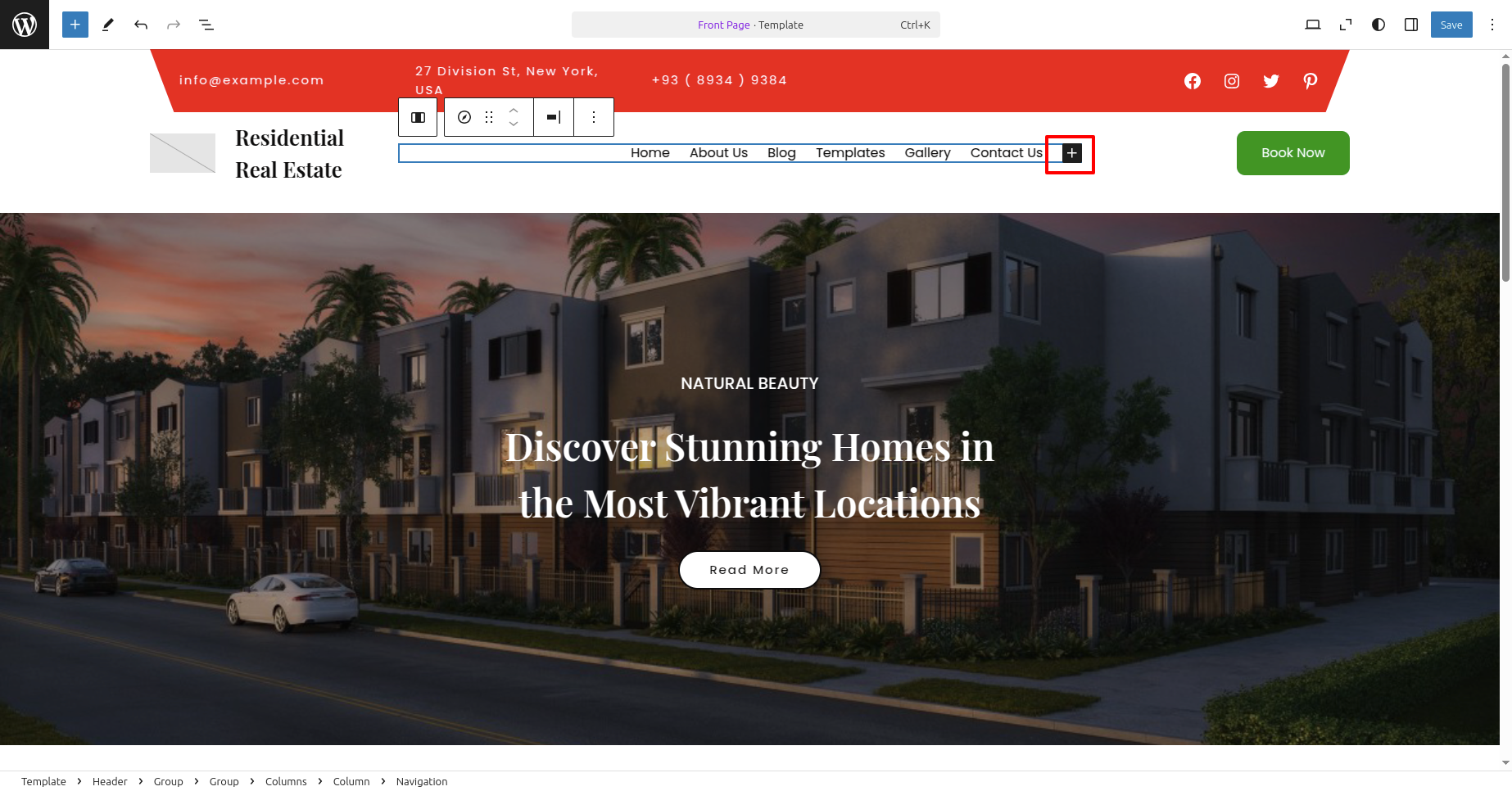
- Go to Your a dashboard on the WordPress platform and Decide into Appearance > Front > Edit Site.
- Should they double click on the navigation, you will see a plus box..
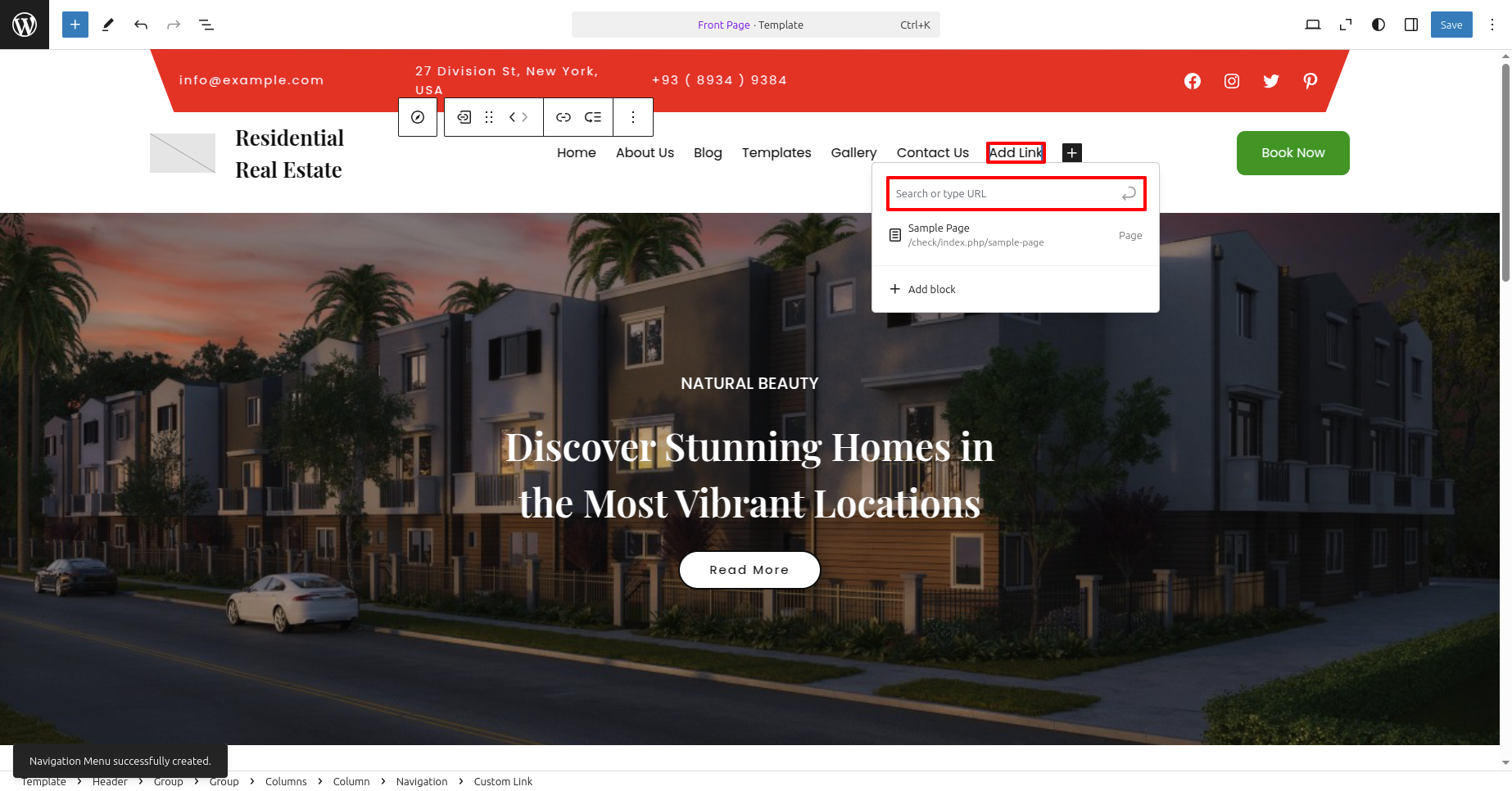
- Should they click on the plus box, an option to Add Links will appear..
Banner
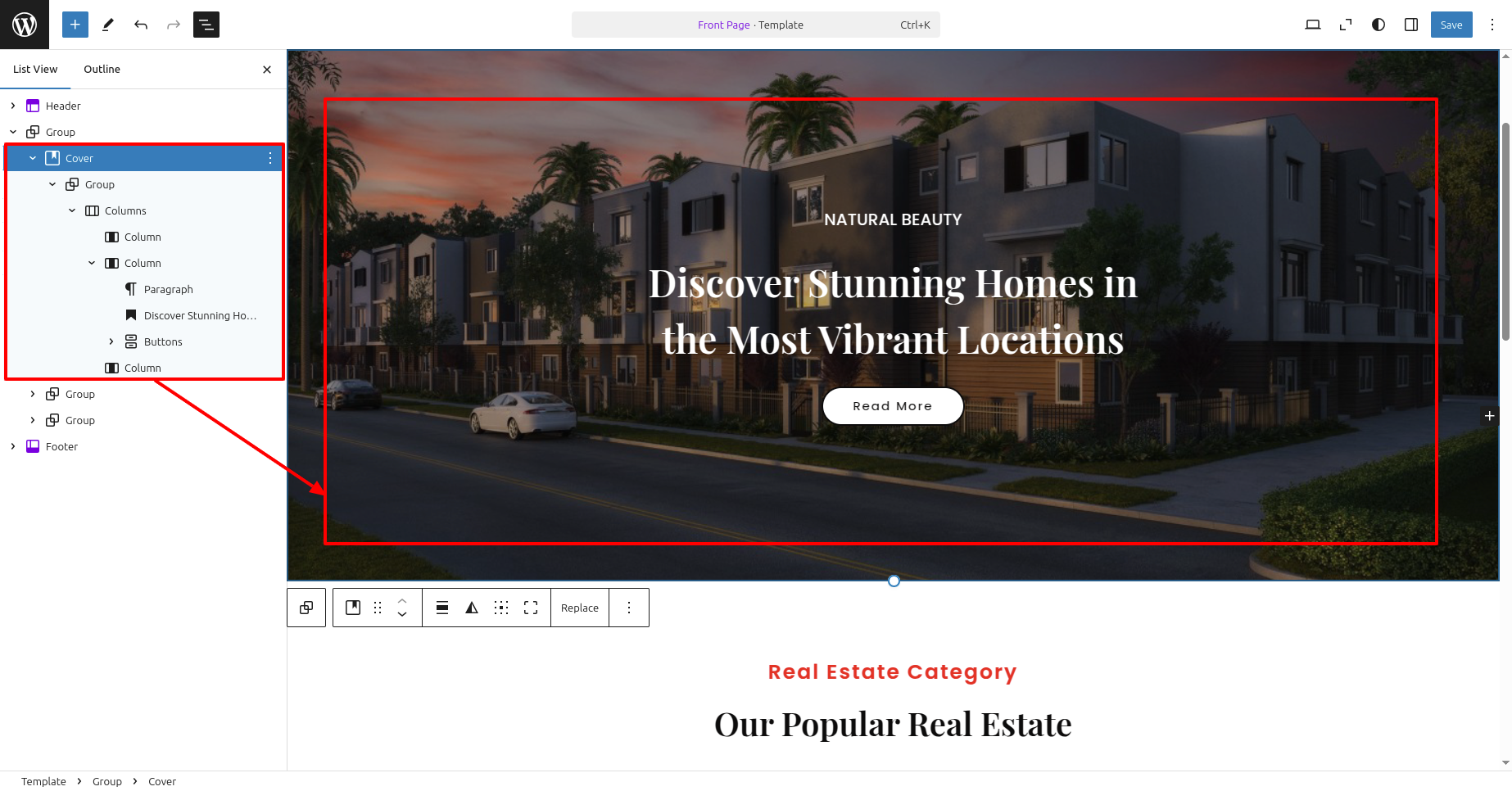
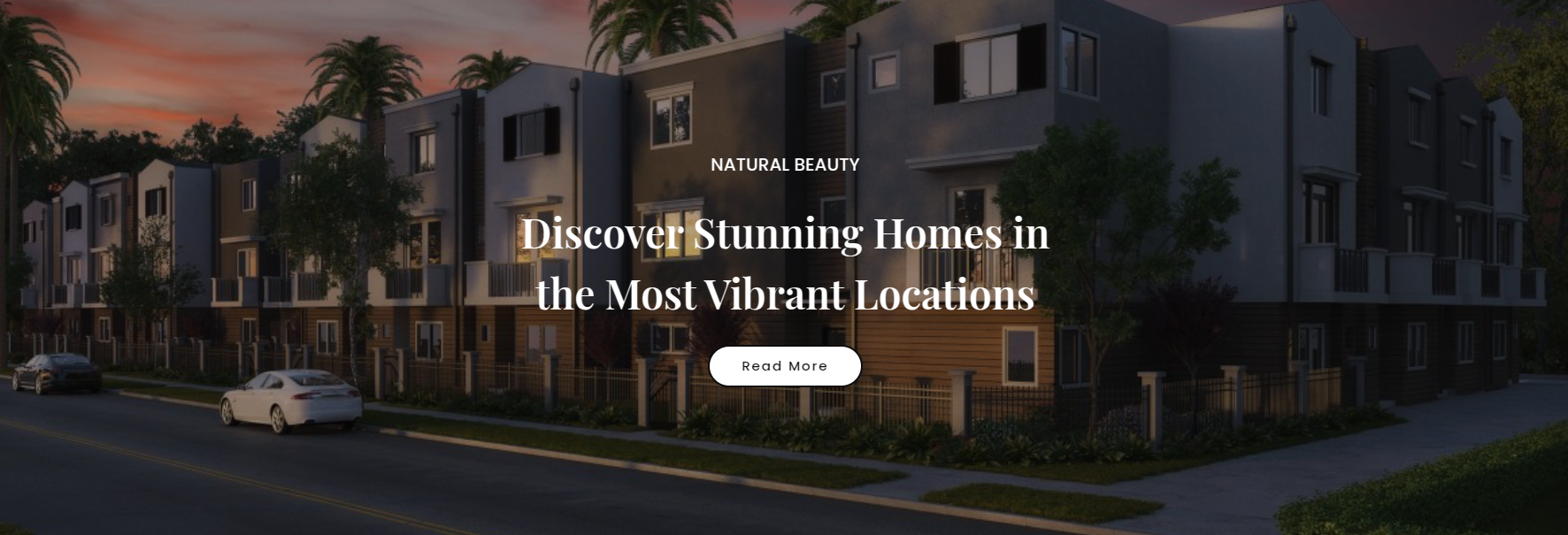
This theme includes a Banner feature. adhere to the instructions. to set it up:
- Go to Your a dashboard on the WordPress platform and Decide into Appearance > Front > Edit Site.
- Editing is permitted. the title & text in the Banner .
- Click Save to Publish your modifications..
The final appearance will resemble this after saving.
Our Popular
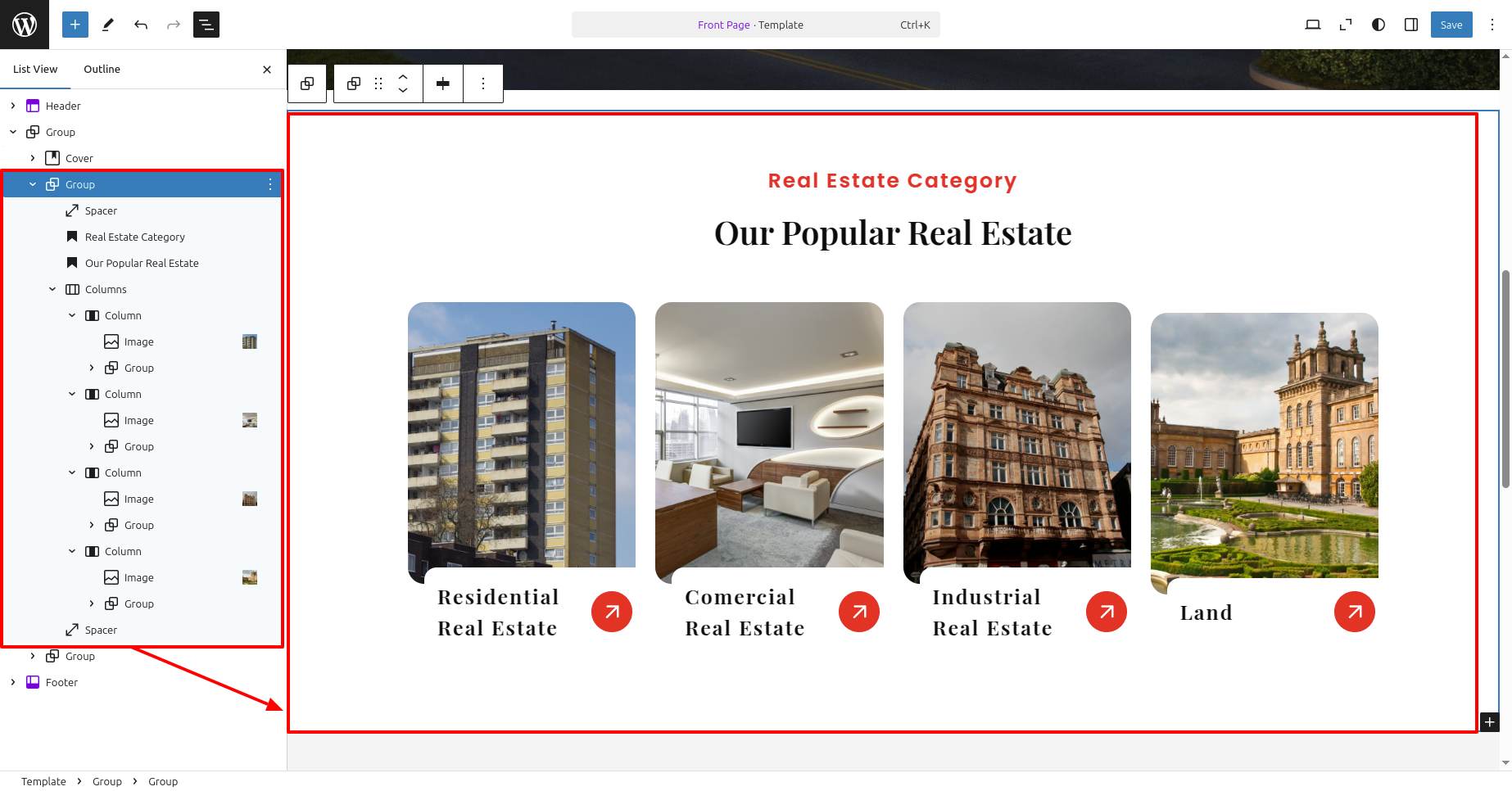
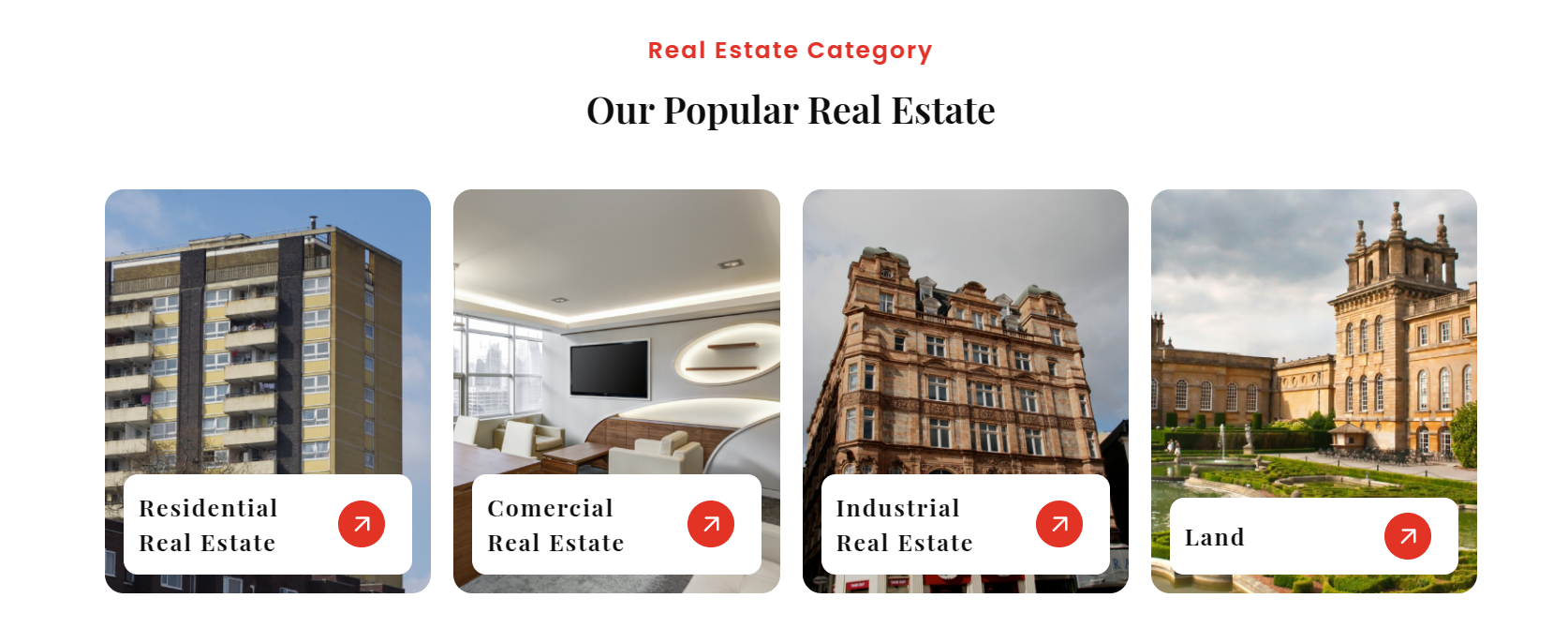
This theme includes a Our Popular feature. adhere to the instructions. to set it up:
- Go to Your a dashboard on the WordPress platform and Decide into Appearance > Front > Edit Site.
- Editing is permitted. the title & text in the Our Popular .
- Click Save to Publish your modifications..
The final appearance will resemble this after saving.
Latest News
To display Latest News:
- Create new posts from Posts » than Add New
- Set a featured image along with add a title and text.
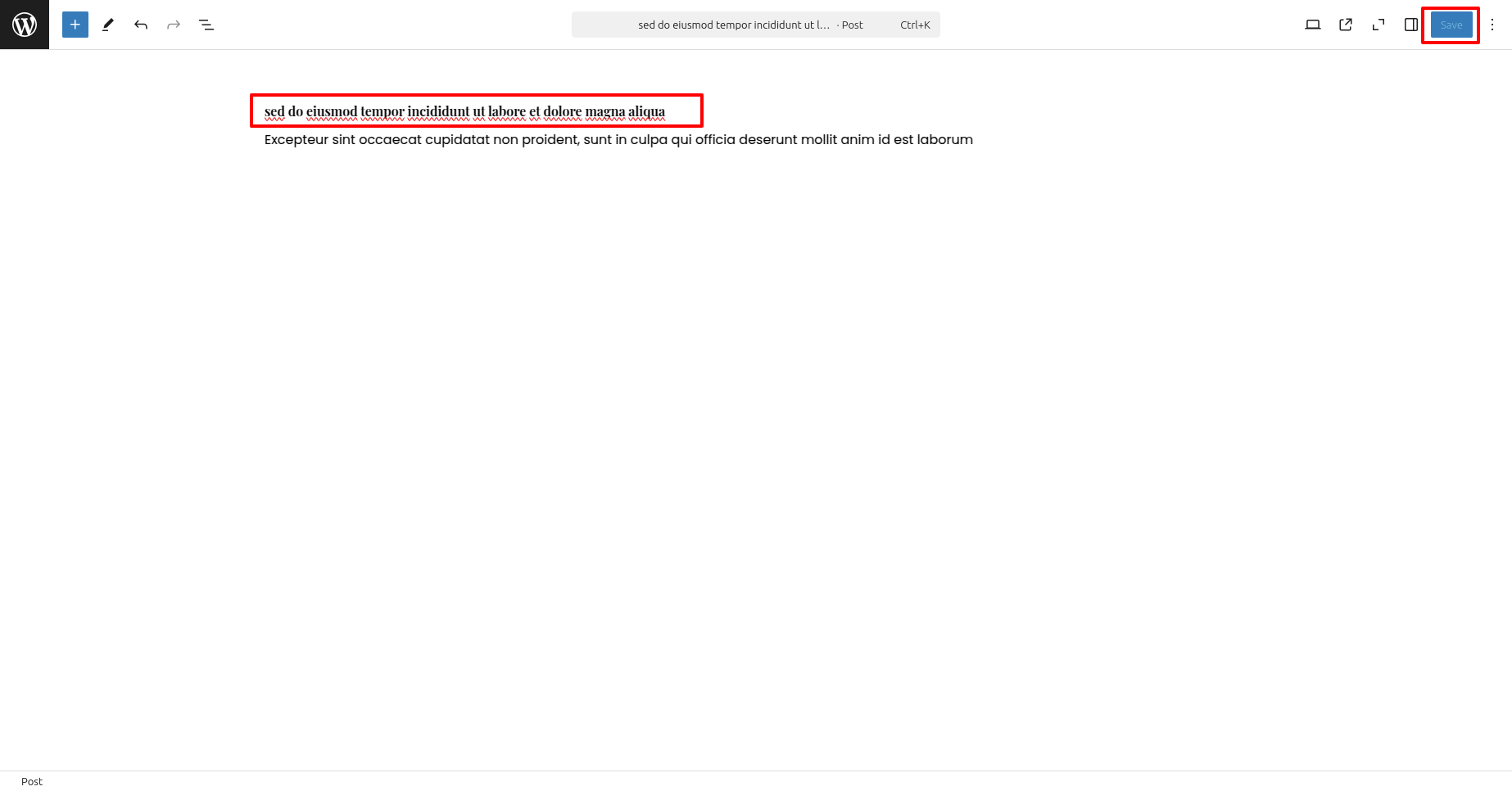
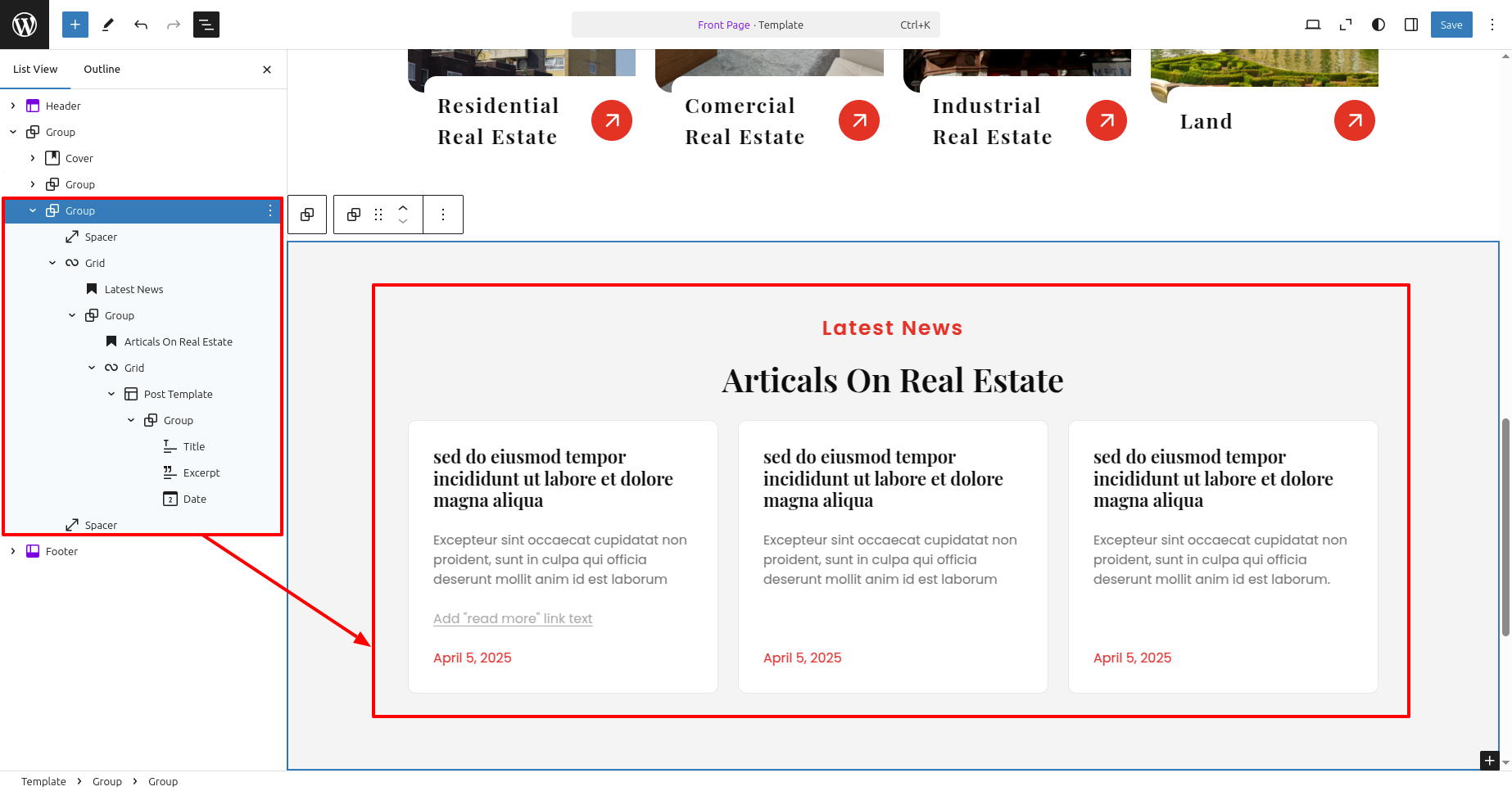
This theme includes a Latest News feature. adhere to the instructions. to set it up:
- Go to Your a dashboard on the WordPress platform and Decide into Appearance > Front > Edit Site.
- Editing is permitted. the title & text in the Latest News .
- Click Save to Publish your modifications..
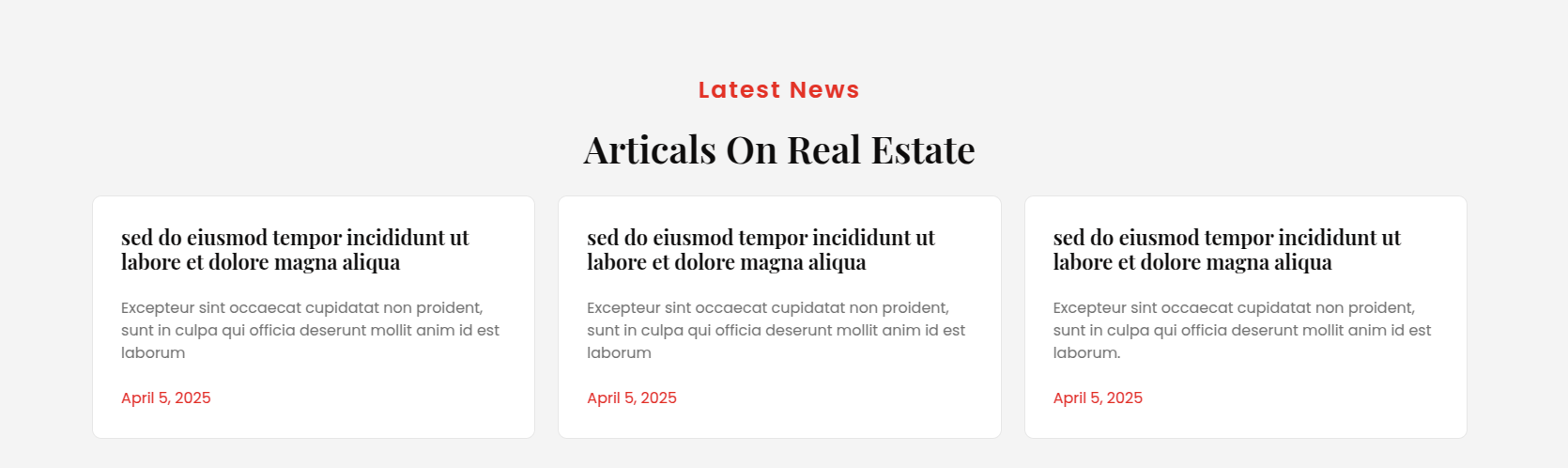
The final appearance will resemble this after saving.
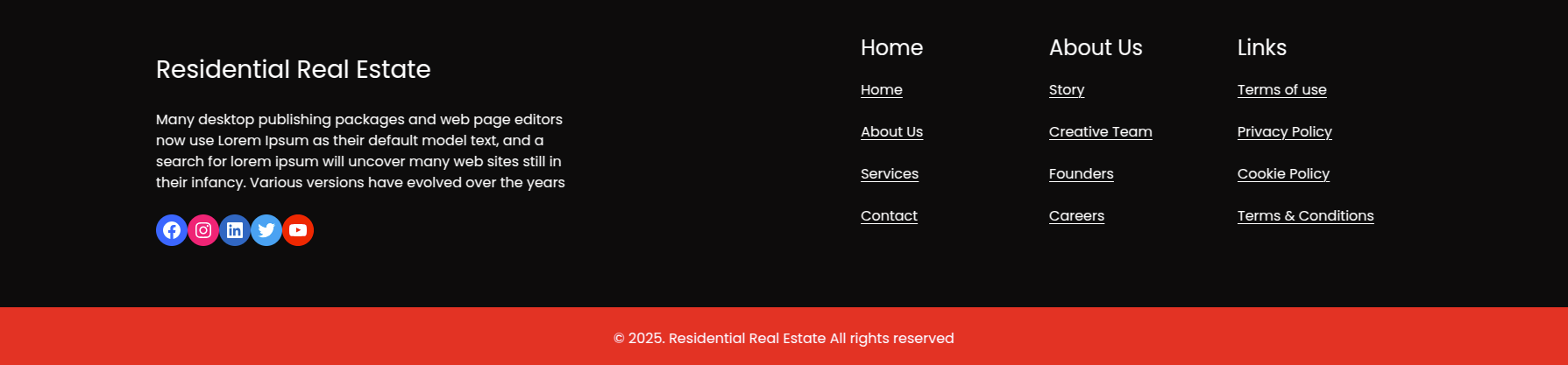
Footer
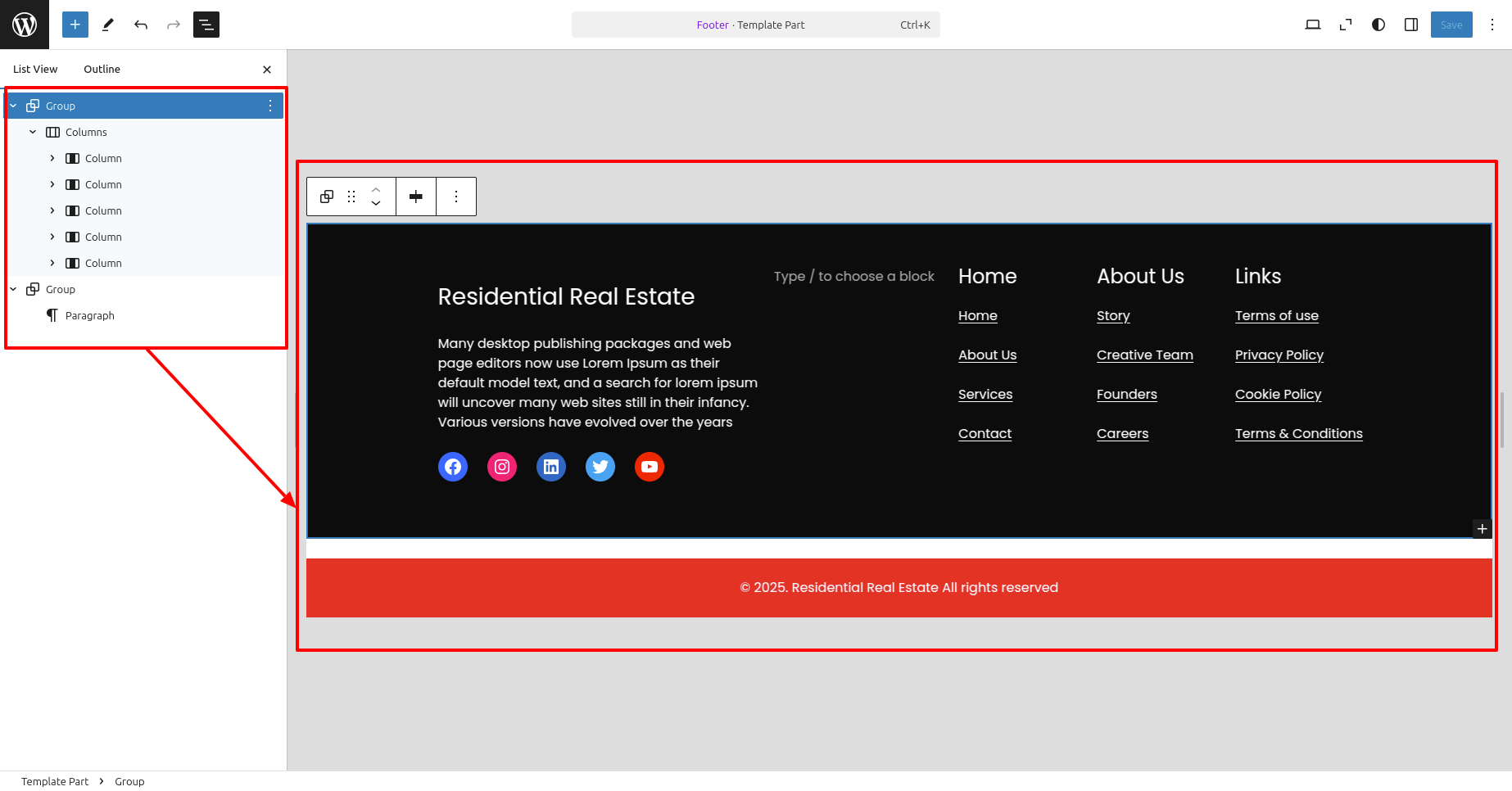
To Edit the Footer top bar, adhere to the instructions:
- Go to Your a dashboard on the WordPress platform and Decide into Appearance > Editor > Patterns > Footer > Click on Footer .
- Add your Paragraph, Links, social media sites, and etc.
- Click Save to save the changes.
The final appearance will resemble this after saving.